

For iRacing teams and drivers
Know your
team’s real pace.
Turn iRacing telemetry into a shared stint log. Compare drivers, understand long-run pace, and keep the whole team on the same page.
Free during beta. No accounts. Team access by shared link.
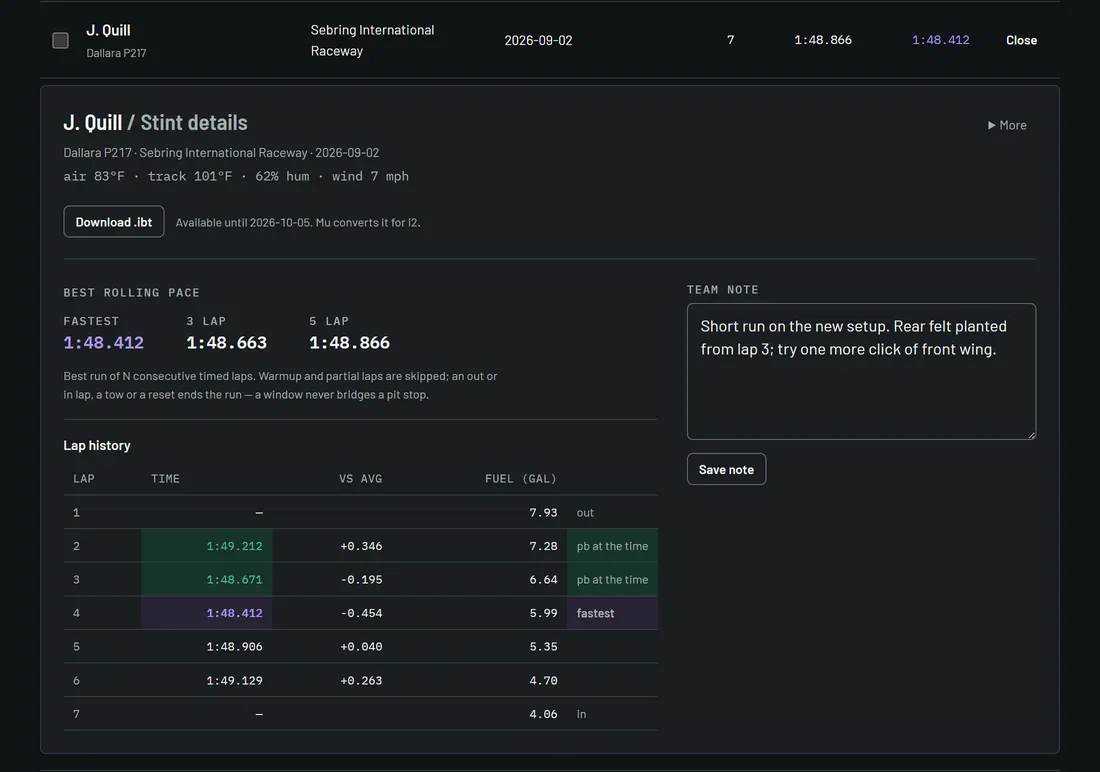
Dallara P217 Sebring
- Stint average
- 1:48.866
- Fastest lap
- 1:48.412
| Lap | Status | Time |
|---|---|---|
| Lap 02 | 1:49.212 | |
| Lap 03 | Personal best | 1:48.671 |
| Lap 04 | Fastest | 1:48.412 |
Capture every run.
Drop your telemetry file, or let the Companion upload it.
Compare long-run pace.
Look beyond a fastest lap to the pace that holds up.
Keep your team in sync.
Every driver’s runs, together in one shared space.
One view of the run
The data. Clear as day.
Find a stint. See the conditions. Compare the pace. Get back to driving.
The stint book.
3 example stints| Driver / session | Car / track | Laps | Average | Best |
|---|---|---|---|---|
| M. OseiSep 03 Sebring | Dallara P217Sebring | 31 | 1:48.640 | 1:48.455 |
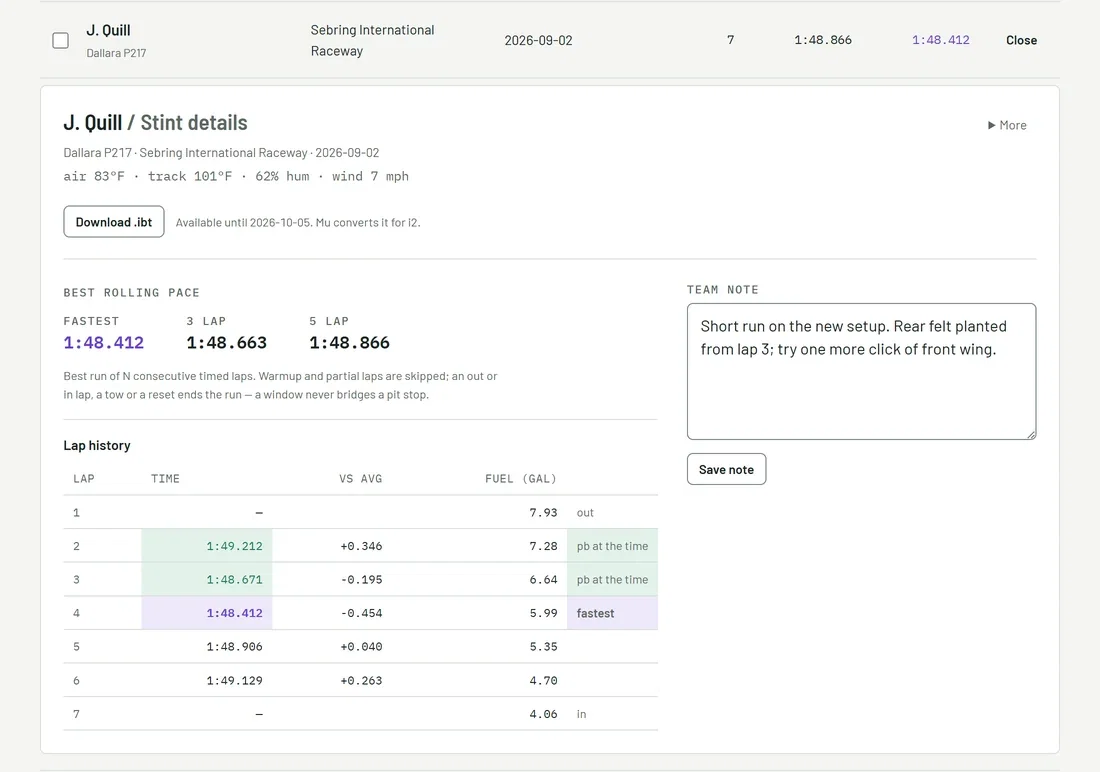
| J. QuillSep 02 Sebring | Dallara P217Sebring | 7 | 1:48.866 | 1:48.412 |
| R. TanakaAug 29 Daytona | Dallara P217Daytona | 22 | 1:49.012 | 1:48.577 |
Driver, car, track, and conditions come from the telemetry. Filter the log, open the laps, and keep a note for the team.
Compare the whole stint.
Example · Dallara P217 · Sebring| Pace | J. QuillSep 02 | M. OseiSep 03 |
|---|---|---|
| Average | 1:48.866 | 1:48.640, fastest |
| Fastest | 1:48.412, fastest | 1:48.455 |
| Best 3-lap pace | 1:48.663 | 1:48.512, fastest |
| Timed lap 1 | 1:49.212 | 1:48.633, fastest |
| Timed lap 2 | 1:48.671 | 1:48.590, fastest |
Two to six stints, aligned by timed-lap order. Purple marks the fastest time in each row. Rolling pace never bridges a pit stop.
The Companion uploads finished stints automatically. Live timing belongs in the overlay; the team’s shared log opens in your browser or in the Companion.
Want the lap rules or the full workflow? Read the field guide.
Companion / Windows
You drive.
It handles the upload.
A small tray app that watches your telemetry folder, uploads finished runs, puts your pace over the sim, and opens your team’s log without a browser.
v0.4.4 · Free during beta · Automatic updates
Companion terms · Companion privacy
Install notes and shortcuts
What does it cost?
Everything is free during beta while we build with real teams. There are no accounts or payment details to set up.
How does the team get access?
Your team space has a private link. Anyone with that link can access the team, so keep it inside your own team Discord or other private team channel.
What happens to our telemetry?
Raw .ibt downloads expire seven days after upload. Automatic disk cleanup runs every six hours and may take longer during failures. Stint and lap records stay until removed. Retention and backups.
Can other teams see our stints?
Not right now. Community sharing is paused while it changes so each driver decides for themselves whether their stints are shared with other teams and whether their name is shown. Raw files, notes, fuel, conditions, team name and invite link were never part of community sharing. What’s changing · Driver requests.
Bring the team
Your next run
starts here.
One team space. A clear view of every stint.
Your team space is ready.
Keep this link—it is your team’s access. Anyone who has it can open the space.